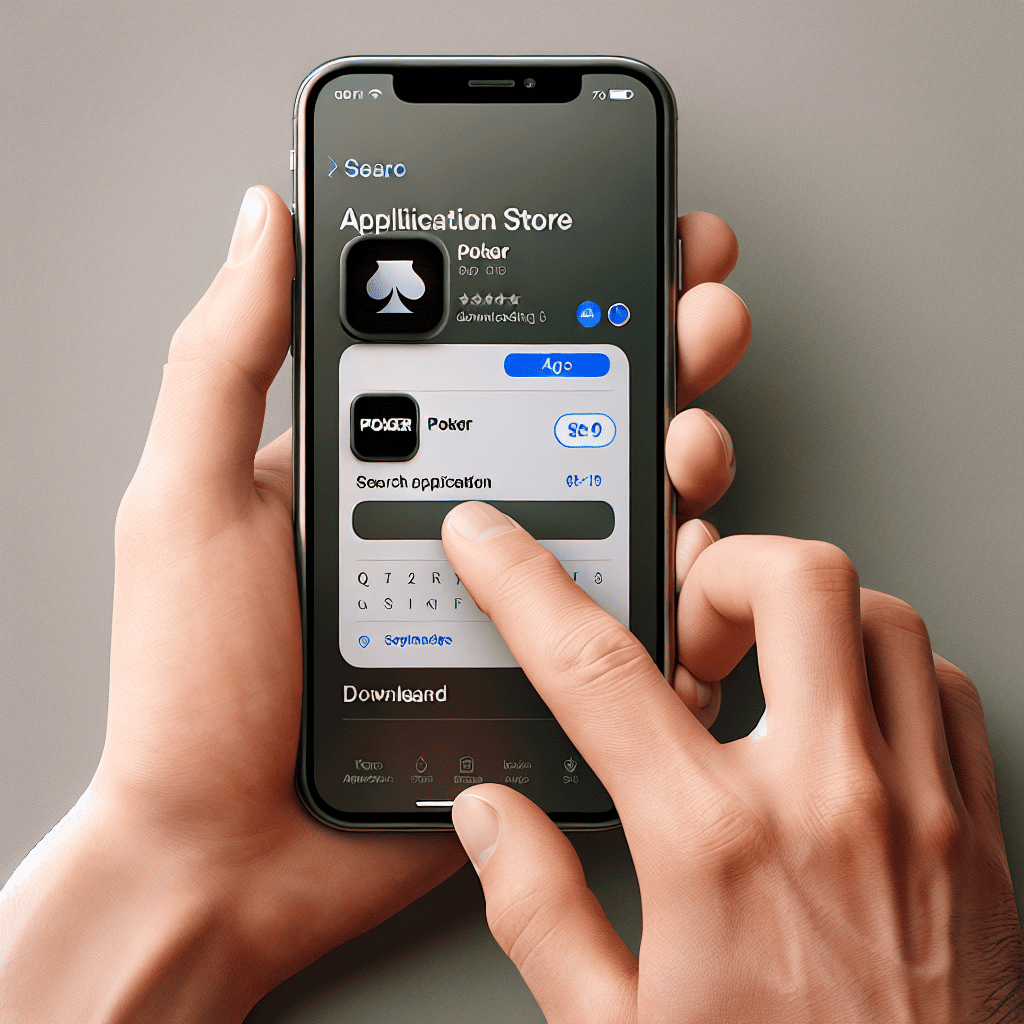
How to Download Poker App on iPhone: A Comprehensive Guide
In the digital age, poker enthusiasts no longer need to visit a casino to enjoy their favorite game. With the advent of mobile technology, poker apps have become increasingly popular, allowing players to engage in thrilling games from the comfort of their homes or on the go. If you’re an iPhone user eager to dive into the world of online poker, this guide will walk you through the process of downloading a poker app on your device, ensuring you have all the information you need to get started.
Understanding the Poker App Landscape
Before we delve into the specifics of downloading a poker app on your iPhone, it’s essential to understand the variety of options available. The poker app market is vast, with numerous platforms offering different features, games, and user experiences. Here are some key points to consider:
- Types of Poker Games: Most apps offer a range of games, including Texas Hold’em, Omaha, and Seven Card Stud. Some platforms even provide unique variations.
- Real Money vs. Free Play: Decide whether you want to play for real money or just for fun. Many apps offer both options, allowing you to practice before wagering actual cash.
- Player Traffic: Popular apps tend to have more players online, which can lead to more exciting games and better competition.
- Bonuses and Promotions: Look for apps that offer enticing bonuses for new players, such as deposit matches or free tournament entries.
How to Download Poker App on iPhone
Now that you have a better understanding of the poker app landscape, let’s get into the nitty-gritty of how to download a poker app on your iPhone. The process is straightforward, but there are a few steps to ensure you choose the right app and install it correctly.
Step 1: Choose the Right Poker App
With so many options available, selecting the right poker app is crucial. Here are some popular choices:
- PokerStars: One of the largest online poker platforms, offering a wide variety of games and tournaments.
- 888poker: Known for its user-friendly interface and generous bonuses for new players.
- PartyPoker: Offers a robust mobile experience with a variety of cash games and tournaments.
- WSOP App: The official app of the World Series of Poker, perfect for those looking to compete in prestigious tournaments.
Research user reviews and ratings on the App Store to gauge the app’s reliability and performance. Look for features that matter to you, such as in-app tutorials, customer support, and community engagement.
Step 2: Check Your Device Compatibility
Before downloading, ensure your iPhone is compatible with the poker app. Most apps require iOS 11.0 or later, but it’s always best to check the specific requirements on the App Store page of the app you choose.
Step 3: Downloading the App
Once you’ve selected the poker app that suits your needs, follow these steps to download it:
- Open the App Store: Locate the App Store icon on your iPhone’s home screen and tap to open it.
- Search for the App: Use the search bar at the bottom of the screen to type in the name of the poker app you want to download.
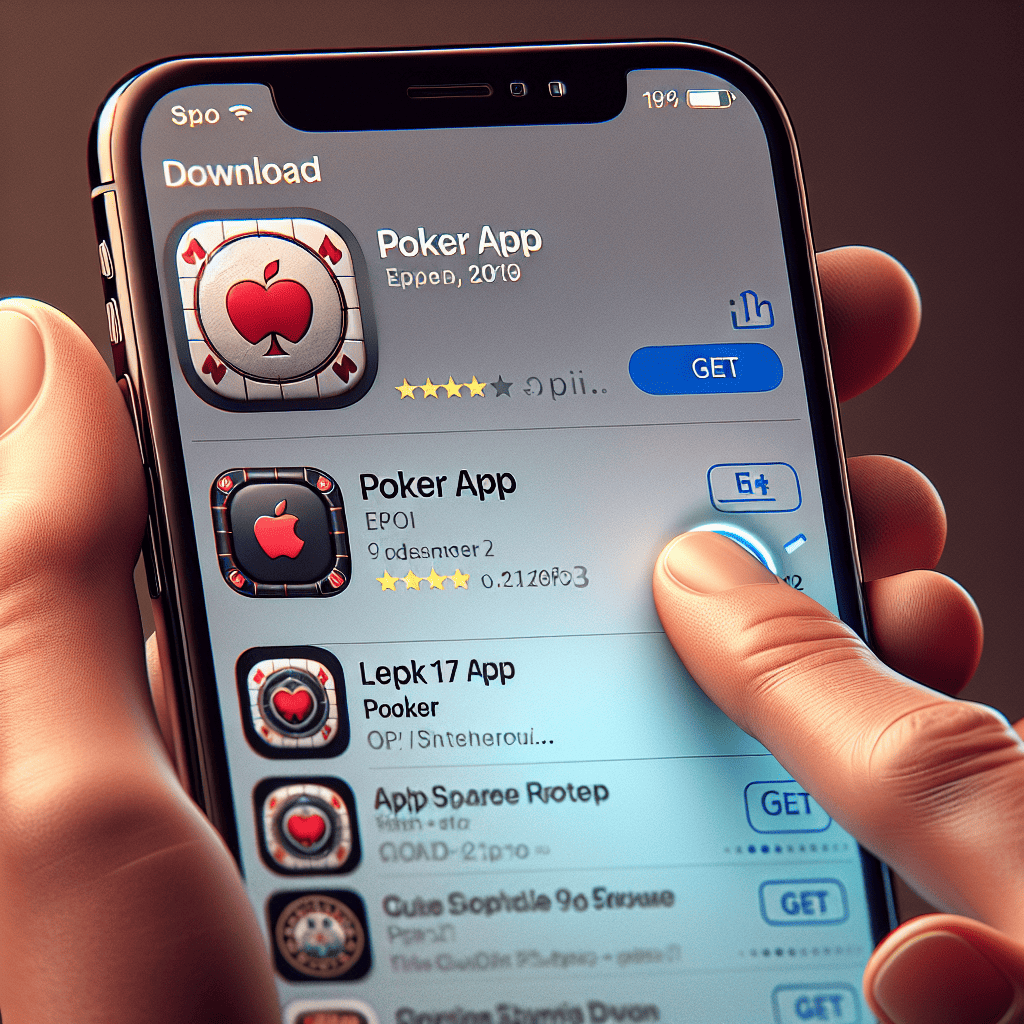
- Select the App: From the search results, find the correct app and tap on it to view more details.
- Download the App: Tap the “Get” button (or the cloud icon if you’ve downloaded it before) to initiate the download. You may need to enter your Apple ID password or use Face ID/Touch ID to confirm.
Step 4: Setting Up Your Account
After the app has downloaded, open it by tapping on the app icon. You will typically need to create an account to start playing. Here’s how:
- Sign Up: Follow the prompts to enter your personal information, including your name, email address, and date of birth.
- Verify Your Identity: Some apps may require you to verify your identity by uploading a form of identification.
- Set Up Payment Methods: If you plan to play for real money, you’ll need to add a payment method. Most apps accept credit/debit cards, e-wallets, and bank transfers.
Tips for a Smooth Poker Experience
Once you’ve successfully downloaded your poker app and set up your account, consider these tips to enhance your gaming experience:
- Practice with Free Games: If you’re new to poker or the app, start with free games to familiarize yourself with the interface and rules.
- Stay Updated: Regularly check for app updates to ensure you have the latest features and security enhancements.
- Manage Your Bankroll: Set a budget for your poker games and stick to it. Responsible gaming is key to enjoying the experience.
- Engage with the Community: Many poker apps have forums or chat features. Engaging with other players can enhance your experience and provide valuable insights.
Conclusion
Downloading a poker app on your iPhone is a simple yet rewarding process that opens up a world of gaming possibilities. By following the steps outlined in this guide, you can easily find, download, and set up a poker app that suits your preferences. Remember to choose wisely, practice responsibly, and enjoy the thrill of the game. Whether you’re a seasoned player or a newcomer, the right poker app can provide endless entertainment and opportunities to hone your skills. So, get ready to shuffle those virtual cards and may the odds be ever in your favor!





