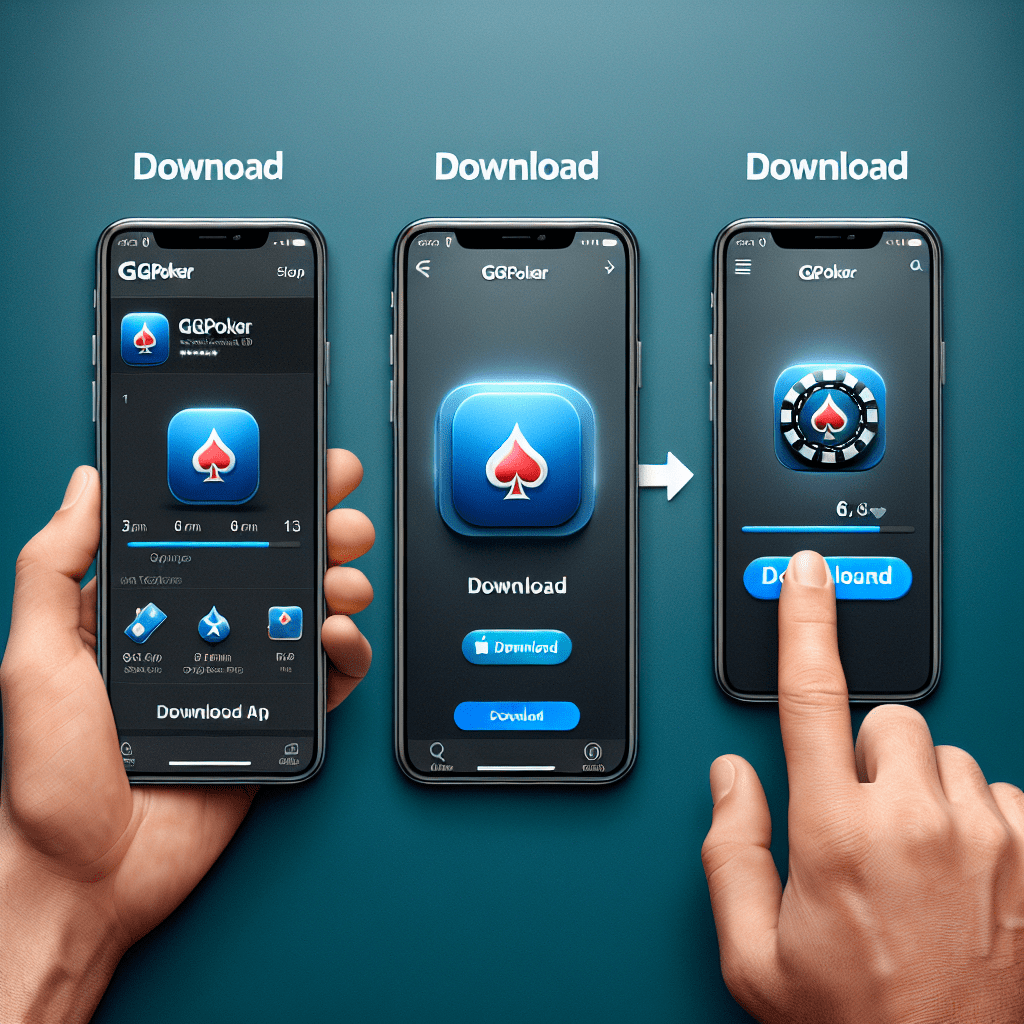
How to Download GGPoker App: Step-by-Step Guide

In the world of online poker, GGPoker has emerged as a leading platform, attracting players from all corners of the globe. With its user-friendly interface, innovative features, and a wide variety of games, it’s no wonder that many enthusiasts are eager to get started. If you’re looking to join the action, this article will provide you with a comprehensive guide on how to download the GGPoker app, ensuring you can play your favorite poker games anytime, anywhere.
Understanding GGPoker: A Brief Overview
Before diving into the download process, let’s take a moment to understand what GGPoker offers. Launched in 2017, GGPoker has quickly gained popularity due to its unique features, including:
- Smart HUD: This feature provides real-time statistics and insights about your opponents, helping you make informed decisions.
- All-In or Fold: A fast-paced game mode that allows players to either go all-in or fold, making it perfect for quick sessions.
- Fish Buffet: A loyalty program that rewards players with points for every hand played, which can be redeemed for various prizes.
- Multi-Table Support: Play multiple tables simultaneously, enhancing your gaming experience.
With these features and more, GGPoker is designed to cater to both novice and experienced players alike. Now, let’s explore how to download the GGPoker app step-by-step.
How to Download GGPoker App: Step-by-Step Guide
Downloading the GGPoker app is a straightforward process, whether you’re using an Android or iOS device. Follow these steps to get started:
For Android Users
1. **Enable Unknown Sources**: Before downloading the app, you need to allow installations from unknown sources. To do this:
- Go to your device’s Settings.
- Scroll down and select Security.
- Find the option for Unknown Sources and toggle it on.
2. **Download the APK File**: Visit the official GGPoker website or a trusted source to download the APK file. Make sure you’re downloading the latest version to ensure optimal performance.
3. **Install the App**: Once the APK file is downloaded, locate it in your device’s file manager. Tap on the file to begin the installation process. Follow the on-screen prompts to complete the installation.
4. **Open the App**: After installation, you can find the GGPoker app icon on your home screen or app drawer. Tap to open it and log in or create a new account.
For iOS Users
1. **Visit the App Store**: Open the App Store on your iPhone or iPad.
2. **Search for GGPoker**: In the search bar, type “GGPoker” and hit enter. Look for the official app in the search results.
3. **Download the App**: Tap the Get button next to the GGPoker app. You may need to enter your Apple ID password or use Face ID/Touch ID to confirm the download.
4. **Open the App**: Once the download is complete, you can find the GGPoker app on your home screen. Tap to open it and either log in or create a new account.
Creating Your GGPoker Account
After successfully downloading the app, the next step is to create your GGPoker account. Here’s how:
- Open the GGPoker app.
- Select the Sign Up option.
- Fill in the required information, including your email address, username, and password.
- Accept the terms and conditions and click Create Account.
Once your account is created, you may need to verify your email address. Check your inbox for a verification email from GGPoker and follow the instructions provided.
Making Your First Deposit
To start playing real money games, you’ll need to fund your account. Here’s how to make your first deposit:
- Log in to your GGPoker account.
- Navigate to the Cashier section.
- Select your preferred payment method (credit card, e-wallet, etc.).
- Enter the amount you wish to deposit and follow the prompts to complete the transaction.
GGPoker offers various payment options, including Visa, Mastercard, and popular e-wallets like PayPal and Skrill, making it convenient for players worldwide.
Exploring the GGPoker App Features
Once you’ve downloaded the GGPoker app and set up your account, it’s time to explore its features:
- Game Variety: Choose from a wide range of poker games, including Texas Hold’em, Omaha, and more.
- Tournaments: Participate in exciting tournaments with varying buy-ins and prize pools.
- Live Support: Access customer support directly through the app for any queries or issues.
- Promotions: Keep an eye on ongoing promotions and bonuses that can enhance your gaming experience.
Tips for a Smooth Gaming Experience
To ensure a seamless experience while using the GGPoker app, consider the following tips:
- Stable Internet Connection: Always play on a reliable Wi-Fi or mobile data connection to avoid interruptions.
- Regular Updates: Keep the app updated to access new features and improvements.
- Practice Responsible Gaming: Set limits on your playtime and budget to ensure a fun and safe gaming experience.
Conclusion
Downloading the GGPoker app is a simple process that opens the door to an exciting world of online poker. By following this step-by-step guide, you can easily install the app on your device, create an account, and start playing your favorite games. With its innovative features and user-friendly interface, GGPoker is designed to enhance your gaming experience, whether you’re a seasoned pro or a newcomer to the poker scene.
Remember to practice responsible gaming and enjoy the thrill of the game. Now that you know how to download the GGPoker app, it’s time to join the action and see what the excitement is all about!





