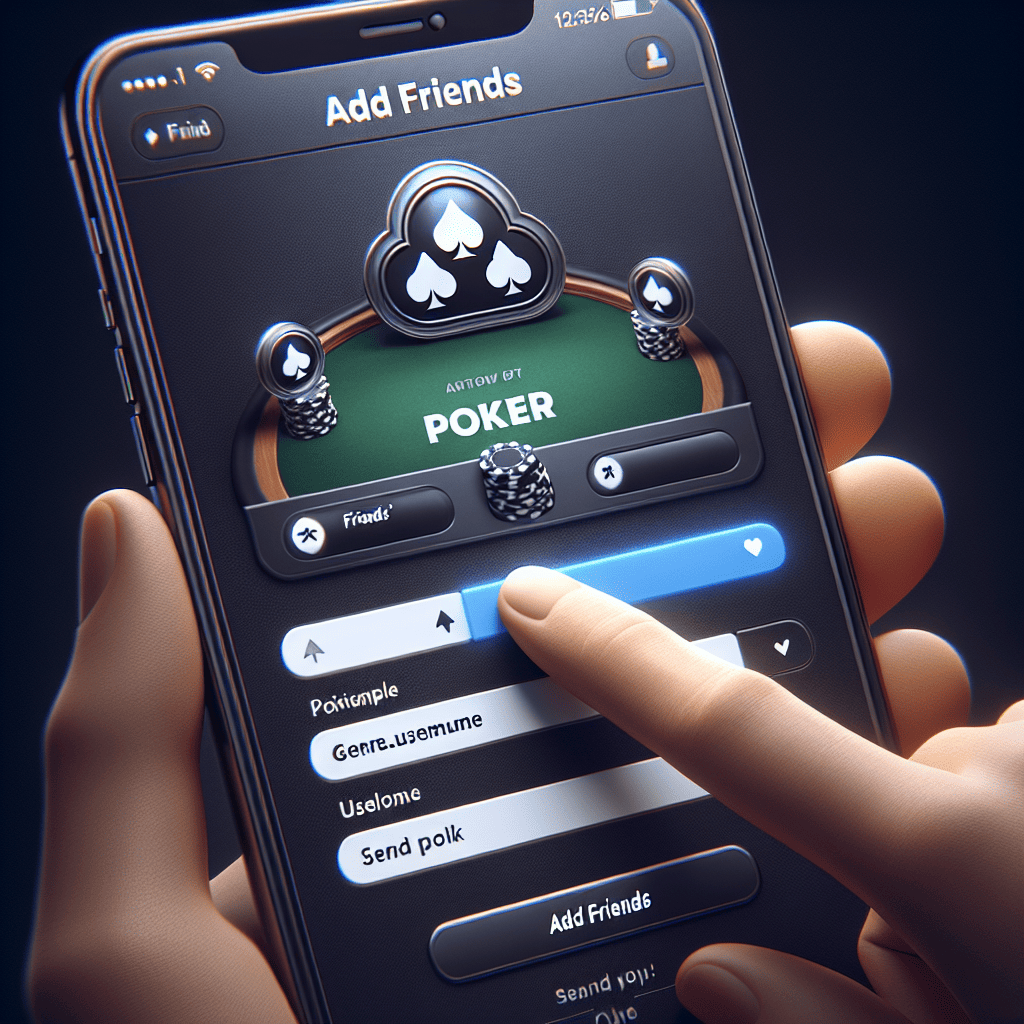
How to Add Friends on WSOP Poker: A Comprehensive Guide

World Series of Poker (WSOP) has become a household name in the realm of online poker, attracting millions of players from around the globe. One of the most appealing aspects of WSOP is its social component, allowing players to connect, compete, and collaborate with friends. If you’re looking to enhance your gaming experience by adding friends on WSOP Poker, you’ve come to the right place. This article will guide you through the process, provide tips for maximizing your social interactions, and explore the benefits of building a network within the game.
Understanding the WSOP Poker Platform
Before diving into the specifics of adding friends, it’s essential to understand the WSOP Poker platform. Launched in 2015, the WSOP app has gained immense popularity due to its user-friendly interface and engaging gameplay. Players can participate in various poker games, tournaments, and events, all while interacting with a vibrant community.
Here are some key features of the WSOP Poker platform:
- Variety of Games: From Texas Hold’em to Omaha, WSOP offers a wide range of poker variants.
- Daily Challenges: Players can complete daily missions to earn rewards and bonuses.
- Live Tournaments: Participate in real-time tournaments that mimic the excitement of live poker.
- Social Features: Connect with friends, send gifts, and chat during games.
How to Add Friends on WSOP Poker
Adding friends on WSOP Poker is a straightforward process, but it can vary slightly depending on whether you’re using a mobile device or a desktop. Below, we outline the steps for both platforms.
Adding Friends on Mobile
If you’re playing on a mobile device, follow these steps:
- Open the WSOP App: Launch the WSOP Poker app on your smartphone or tablet.
- Navigate to the Friends Section: Tap on the ‘Friends’ icon, usually located at the bottom of the screen.
- Search for Friends: Use the search bar to enter your friend’s username or player ID.
- Send a Friend Request: Once you find your friend, tap on their profile and select ‘Add Friend.’
- Wait for Confirmation: Your friend will receive a notification to accept your request.
Adding Friends on Desktop
For those using a desktop version, the process is similar:
- Log In to Your Account: Open the WSOP Poker website and log in to your account.
- Access the Friends Menu: Click on the ‘Friends’ tab located in the main menu.
- Search for Your Friend: Enter your friend’s username in the search field.
- Send a Request: Click on their profile and select ‘Add Friend.’
- Await Acceptance: Your friend will need to accept your request to finalize the connection.
Maximizing Your Social Experience on WSOP Poker
Once you’ve added friends on WSOP Poker, the fun truly begins. Here are some tips to enhance your social experience:
- Join Private Tables: Create or join private tables with friends for a more intimate gaming experience.
- Participate in Group Tournaments: Organize tournaments with your friends to foster friendly competition.
- Use In-Game Chat: Engage in conversations during games to strategize or simply catch up.
- Send Gifts: Use the gifting feature to send chips or items to friends as a token of appreciation.
The Benefits of Adding Friends on WSOP Poker
Building a network of friends on WSOP Poker can significantly enhance your gaming experience. Here are some benefits:
- Improved Gameplay: Playing with friends can lead to better strategies and learning opportunities.
- Increased Motivation: Competing against friends can boost your motivation to improve your skills.
- Social Interaction: Poker is as much about socializing as it is about the game; friends can make the experience more enjoyable.
- Exclusive Events: Friends can invite you to exclusive tournaments or events, providing unique opportunities.
Case Study: The Power of Friendship in Online Poker
To illustrate the impact of adding friends on WSOP Poker, consider the case of two players, Sarah and Mike. Both started playing WSOP around the same time but had different approaches to the game. Sarah focused solely on solo play, while Mike actively sought to connect with friends.
Over time, Mike formed a group of friends who shared strategies, discussed hands, and even played together regularly. As a result, Mike’s skills improved significantly, and he began to win more tournaments. In contrast, Sarah found herself plateauing in her gameplay, lacking the motivation and insights that come from social interaction.
This case study highlights the importance of community in online poker. By adding friends on WSOP Poker, players can create a support system that fosters growth and enjoyment.
Conclusion
Adding friends on WSOP Poker is not just a simple task; it opens the door to a world of social interaction, competition, and camaraderie. By following the steps outlined in this article, you can easily connect with friends and enhance your gaming experience. Remember, poker is as much about the people you play with as it is about the cards you hold. So, take the plunge, add your friends, and enjoy the thrilling world of WSOP Poker together!
In summary, whether you’re a seasoned player or a newcomer, understanding how to add friends on WSOP Poker can significantly enrich your experience. Embrace the social aspect of the game, and watch as your skills and enjoyment soar!





